How DachsCheck works
A quick tour of the scan process, what the AI looks at, and what you'll get back.
Take a side-view photo
Your dog standing on level ground, side-on, full body in frame. Add top, front and rear views for a deeper Full Scan.
(Optional) Record a 10–30s gait video
Film your dog walking away from and back toward the camera. Our AI extracts 10 key frames to assess gait, coordination and any dragging or bunny-hopping.
AI analysis
Gemini vision reviews every image, cross-references angles, and scores each area: spine, weight, posture, coat and — where possible — gait.
Read your report
You get a traffic-light overall signal, section scores, positives, concerns, and clear next steps including whether to see your vet.
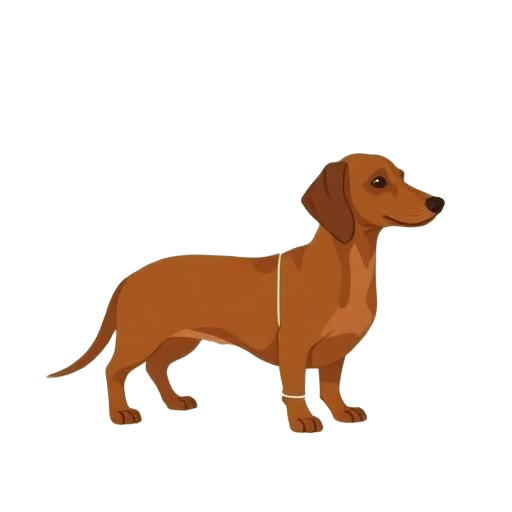
Photo guidance
- Dog standing squarely on a flat, non-slip surface
- Whole body in frame, side-on to the camera
- Good, even lighting — daylight is best
- Camera roughly at your dog's shoulder height
- Minimal background clutter
What the AI analyses
Vet disclaimer
DachsCheck is an educational screening tool. It cannot diagnose disease and does not replace an in-person veterinary exam. Always consult a qualified veterinarian for medical decisions, especially if your report flags amber or red concerns.